 ELHEXA Codex
Jukebox
The Jukebox lets you control the background music while you play. It appears on the left side of the home screen, just below your profile icon.
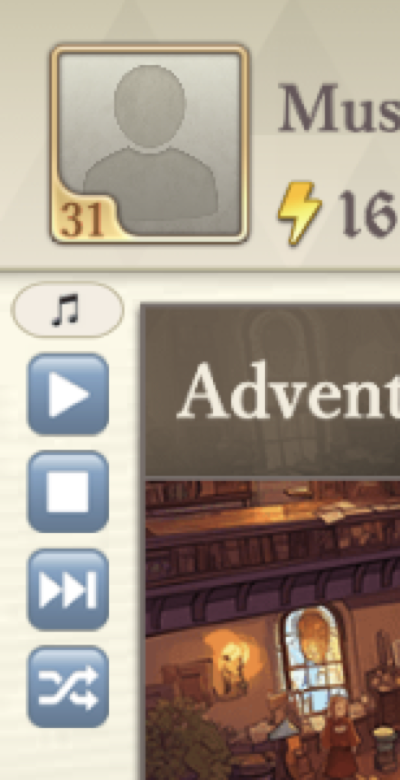
Controls
- Play / Pause — start or pause the current track.
- Next — skip to the next song.
- Shuffle — toggle random playback order.
ELHEXA features 12 original BGM tracks that play on a loop. Music can also be toggled on or off from the User Profile settings tab.
Want to listen outside the game? The full soundtrack is available on YouTube.