 ELHEXA Codex
User Profile
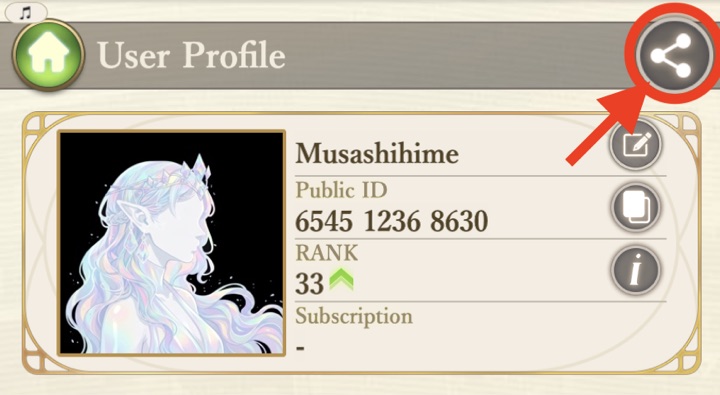
Your User Profile contains all your player information, stats, and settings in one place. Tap your avatar in the top-left corner of the home screen to open it.
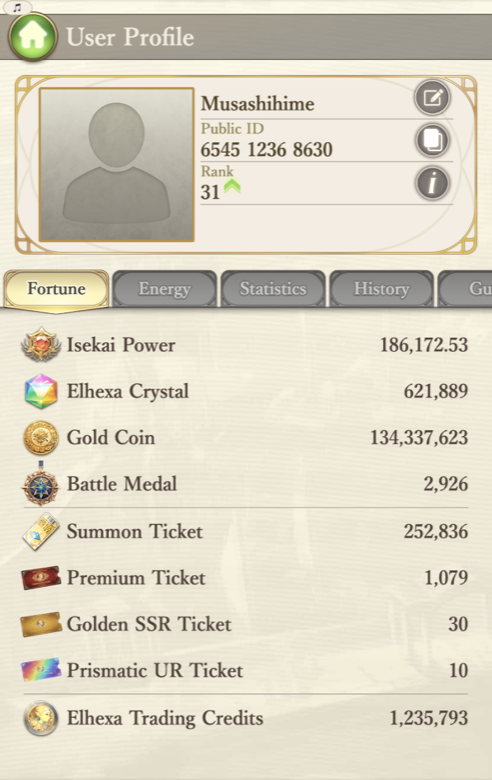
Change Nickname

Copy Public ID

Rank
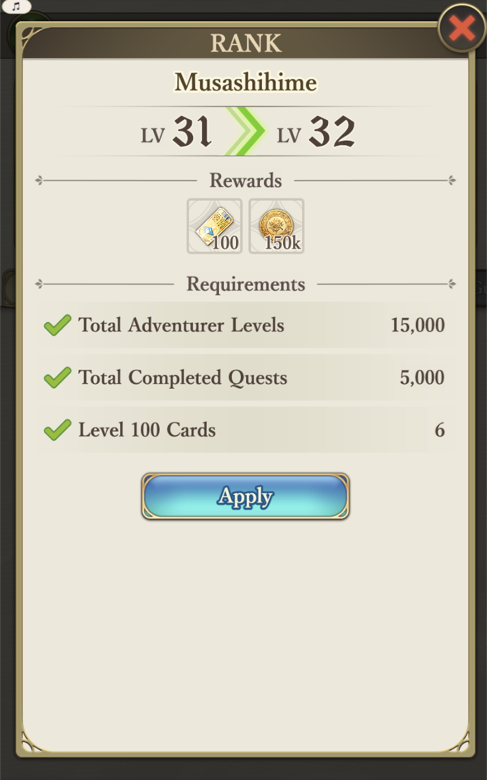
Your Rank reflects your overall progress in ELHEXA. As you level adventurers, complete quests, and build your roster, you qualify for higher ranks — and every rank up comes with rewards.
Fortune
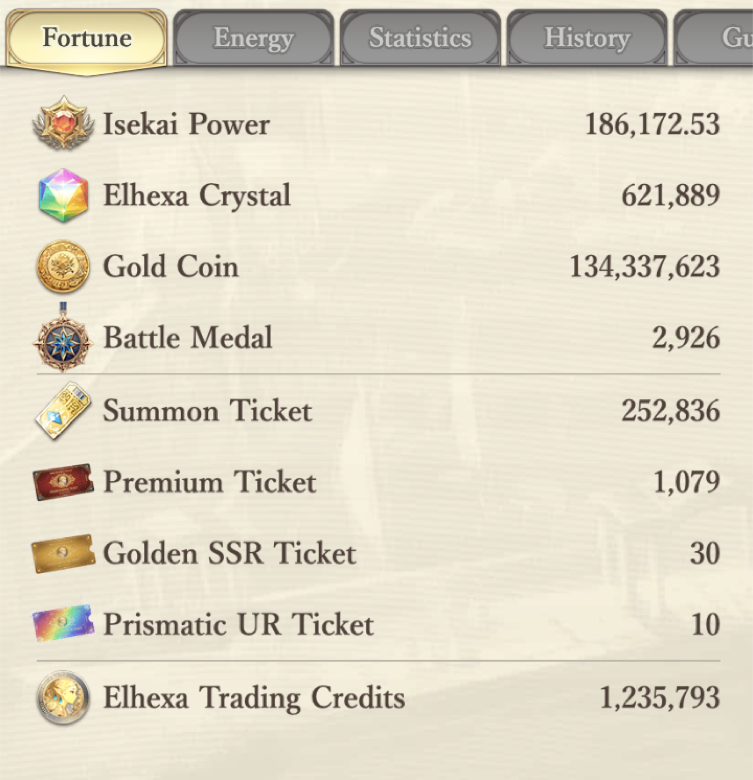
The Fortune tab shows all your important currencies and items at a glance.
Energy
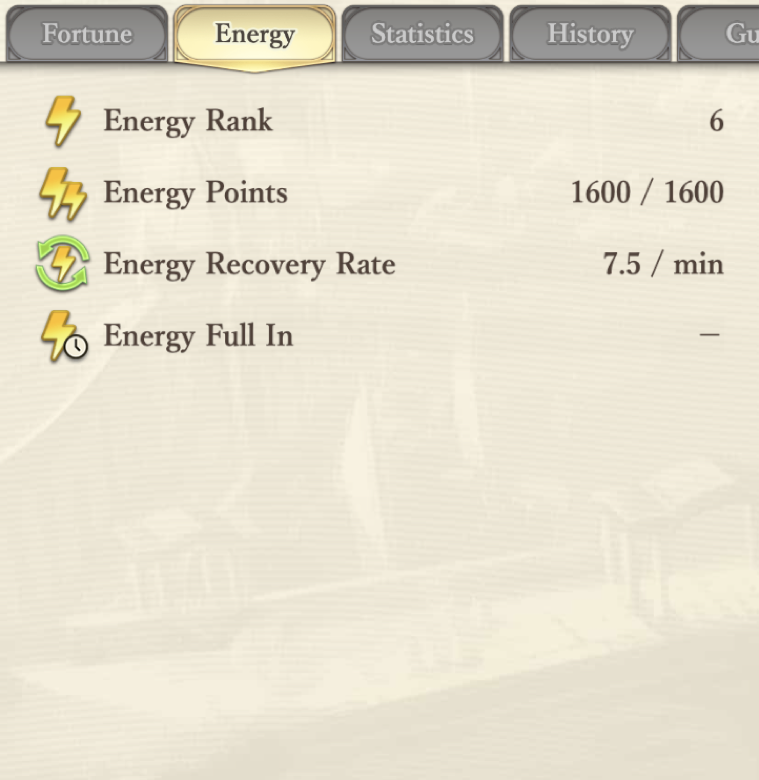
The Energy tab displays your current energy status, including rank, points, recovery rate, and time until full. For a deep dive, see the Energy page.
Statistics
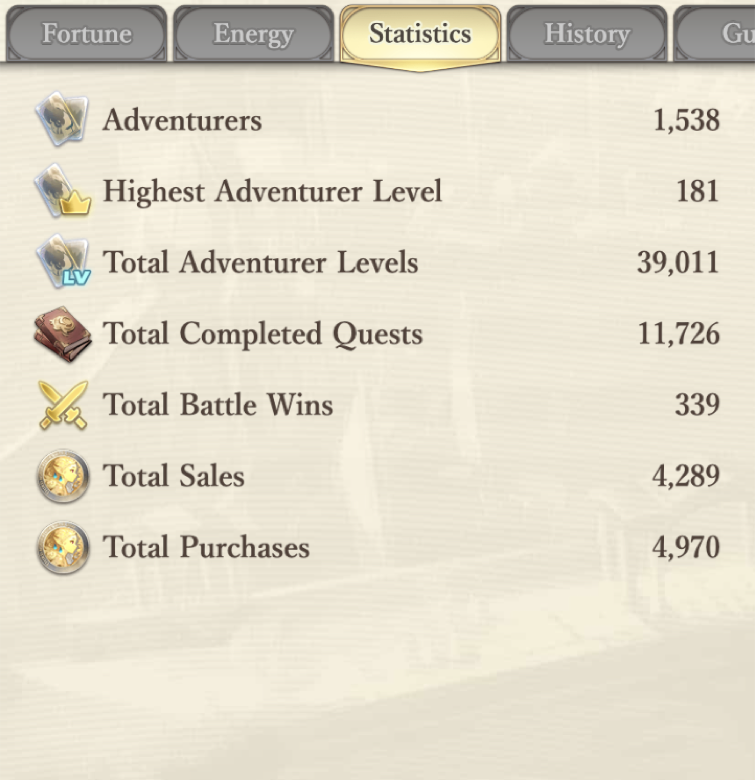
The Statistics tab tracks your primary gameplay numbers — total adventurers, levels, quests completed, battle wins, market activity, and more.
Settings
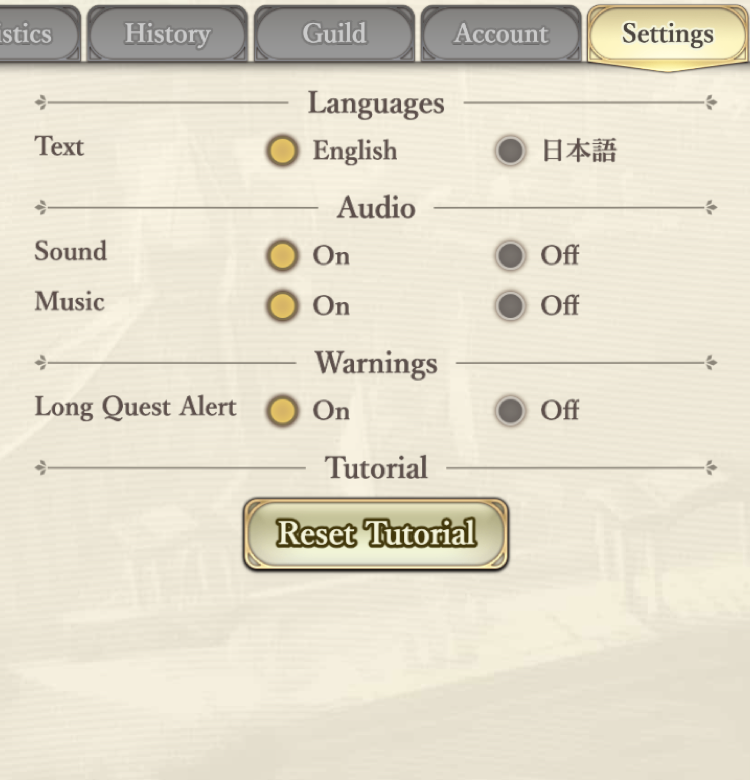
The Settings tab lets you customize your experience:
- Language — switch between English and Japanese.
- Sound & Music — toggle audio on or off.
- Long Quest Alert — warn before starting long quests.
- Reset Tutorial — replay the tutorial sequence.
Player Card
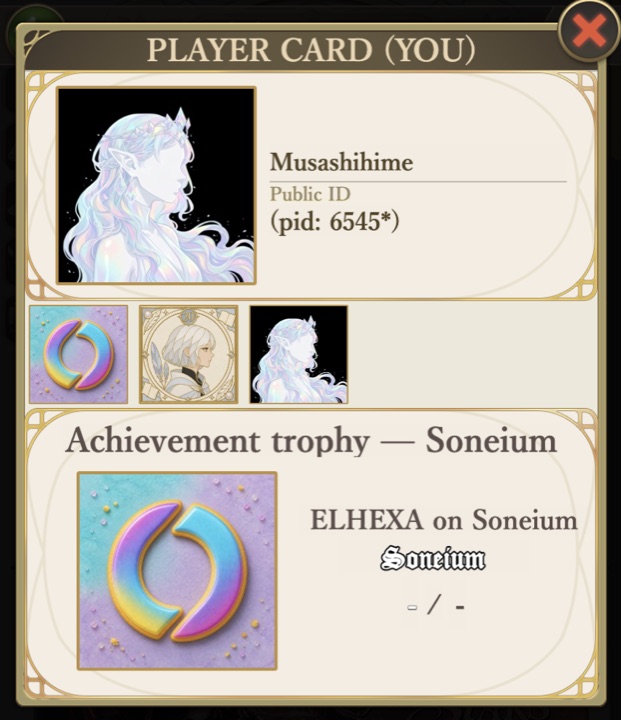
Your Player Card is your public face in ELHEXA. Every player has one: portrait, nickname and the first digits of your Public ID. What else it shows is up to you — your Rank, your Isekai’d From date (the day you arrived in ELHEXA), and up to 5 NFTs you own: Achievement Trophies and your Season-1 SBT. Only NFTs you actually own can be shown — ELHEXA checks the chain when you add one.
- Rank and Isekai’d From — flip the switch next to each one to show or hide it.
- NFTs — tap any NFT you own to put it on your card (WEAR), tap it again to take it off. Up to 5. Tapping also opens it in the viewer below.
- Everything saves as you go — there is no Save button. Just close the card when you are done.
To see someone’s card, tap their row on the Rankings, a partner on your Kizuna list, or your Master or Apprentice in Referrals. Tapping your own row opens your card exactly as others see it — the quickest way to check what you are sharing.