 ELHEXA Codex
Item Trading
Item Trading is the order-book floor for stackable items. Because items are interchangeable, both buyers and sellers post orders and the Exchange matches them automatically — including partial fills.
What You Can Trade
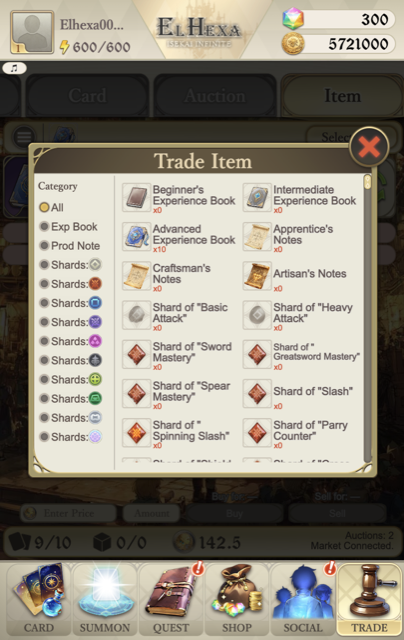
Three families of items are tradable. Browse them under Select Item, filtered by All, Exp Book, Prod Note, or Shards by type:
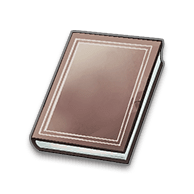
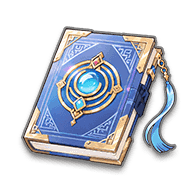
Experience Books
Beginner’s, Intermediate, and Advanced — level up battle-class adventurers.
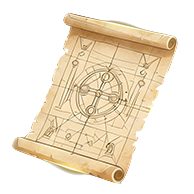
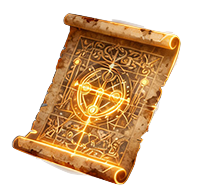
Work Notes
Apprentice’s, Craftsman’s, and Artisan’s Notes — level up production-class adventurers.
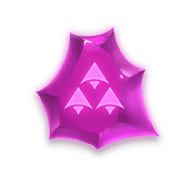

Skill Shards
Grouped by skill type, in five tiers (1★–5★) — used to learn and level skills.
For what each item does, see Economy & Items →
The Order Book
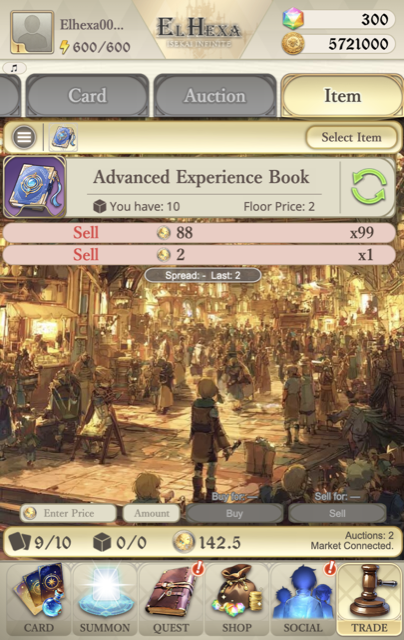
Pick an item to open its live order book: sell offers (asks) and buy offers (bids), with the current Spread and Last trade price. Tap any row to copy its price into the form.
1
Select Item, then enter a price and amount (up to 999 per order).
2
Tap Buy or Sell. If a matching order exists it fills immediately; anything left over rests on the book until filled or cancelled.
3
Filled items and credits land in your account instantly — there is no separate collect step.
Note
You can keep up to 10 open item orders, counted separately from your card listings.
How Matching Works
- Orders fill at the best available price first.
- The resting order’s price wins — place a buy at 10 when the cheapest seller asks 6, and you pay 6, with the 4-credit difference refunded.
- A large order can fill across several smaller ones (partial fills).
Fees
Sellers pay a 5% fee; buyers pay nothing. Settlement is instant — the moment two orders match, credits and items move.
Note
An order priced far from the last trade asks you to confirm first — a safety check against fat-finger prices. Each item also has a small floor price.